
SimCockpit
A second screen for the drive.
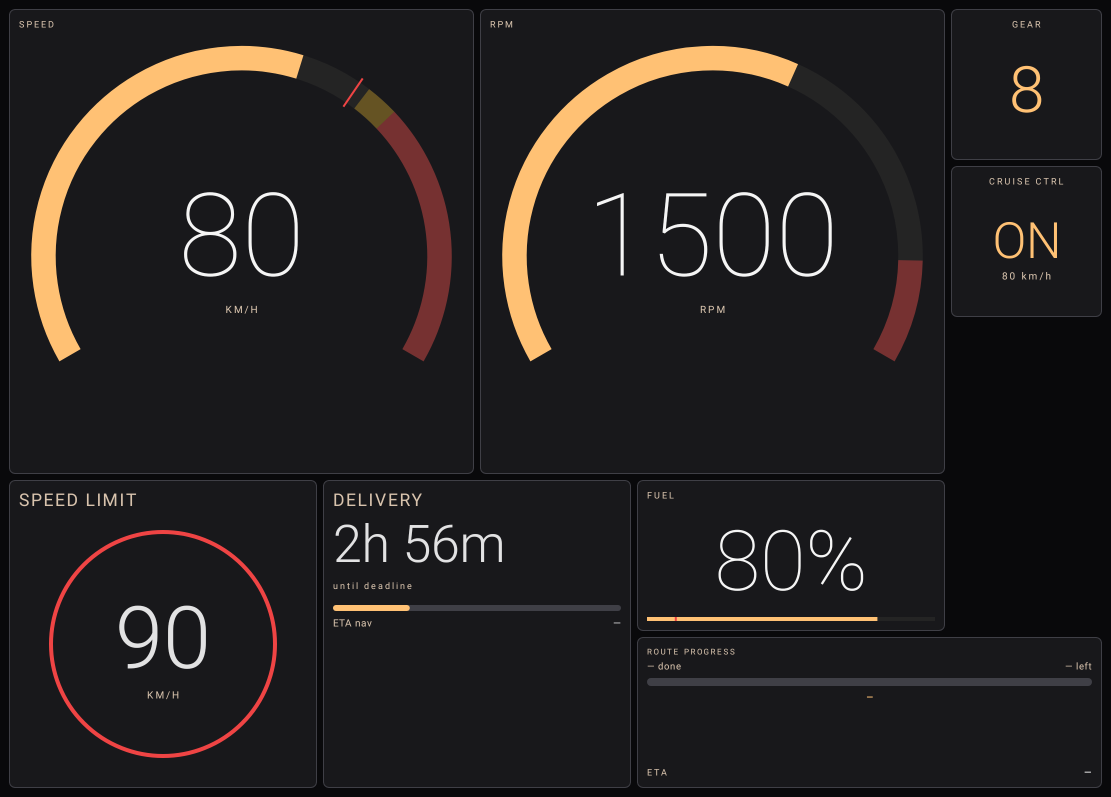
Place your phone or tablet beside the wheel and glance down to check your speed, revs or fuel. SimCockpit brings those readings across from Euro Truck Simulator 2 or American Truck Simulator as you drive.
Design decision
Your gauges at a glance.
We wanted drivers to be able to check their instruments while keeping the windscreen clear. Putting the dashboard on a second device gave us the space to make each reading as large as the driver needs.
In the Android app, you can move and resize the gauges. Put speed and revs side by side, for example, and give the fuel gauge more room when you’re settling in for a long haul.
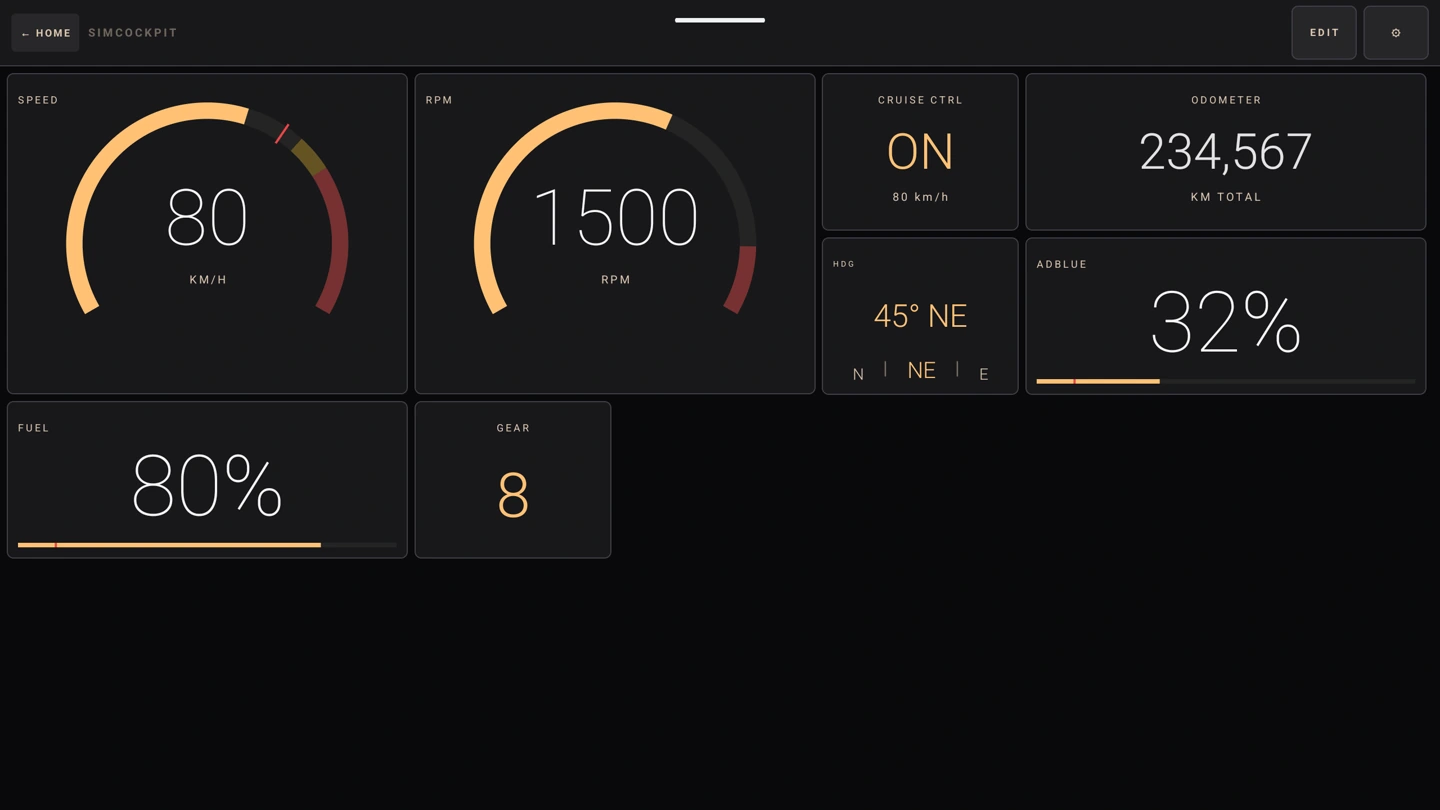
Set up your own cockpit.
The Windows companion connects to the simulator. The Android app displays the instruments. You’ll find both apps and the pairing guide on the project website.
Visit simcockpit.app